OpenAI dots: always-on AI teammates for small businesses

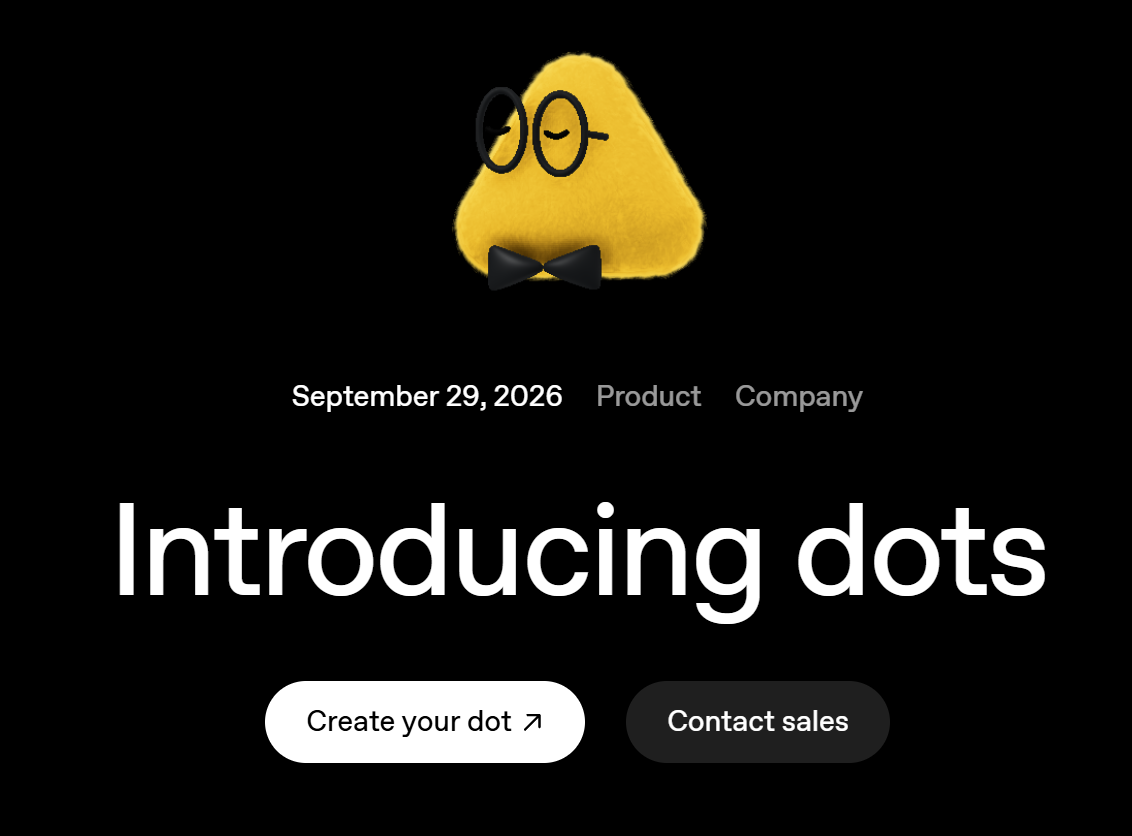
Imagine coming back from a client meeting and finding that the invoice you forgot to send has already been prepared and is waiting for your OK. That is the kind of help OpenAI is promising with dots, a new type of AI announced on September 29, 2026. Instead of a chatbot that waits for your next question, a dot is an always-on agent that learns how you work and keeps moving your projects forward in the background.
For small-business owners, this is genuinely exciting news. The tasks that eat your evenings, like follow-ups, paperwork and keeping projects in sync, are exactly what this new generation of AI is designed to take off your plate. Here is what dots are, how they keep you in control, and how to get your business ready to use them well.
What OpenAI announced
Dots are AI agents powered by OpenAI's newest model, GPT-6 Astra, and each one gets its own cloud computer and its own browser to do real work. Through OpenAI's plugin ecosystem, a dot can connect to more than 4,000 apps, and it learns from your feedback over time so its work gets closer to the way you would do it. You reach your dot in ChatGPT on desktop, web and mobile, in Slack and Microsoft Teams, or even on a voice call when you want to talk something through.
Dots are rolling out now to ChatGPT Pro and Business Premium plans in eligible markets, and Enterprise workspaces can try a beta once their admin turns it on. OpenAI says your first dot is included in those plans at no extra cost, and conversations with it do not count toward your regular ChatGPT usage limits. Support for more users is planned, along with the option to add more dots later.
From assistant to teammate
The big shift is that a dot does not just answer, it follows through. You can hand it a project and keep bringing it new ideas without managing every step, and it can work on several things at once. OpenAI describes dots watching for customer feedback and preparing fixes, updating a proposal when a client's requirements change, and drafting social posts from an interview transcript for your approval. When you are not actively working with it, a dot does what OpenAI calls proactive research, looking for ways to help using read-only access to the apps you have connected.
The real promise of AI agents is not more answers. It is more of your time back, with the work done the way you would do it.
What it means for a small business
Large companies have assistants, analysts and coordinators to keep work moving. A small team usually has the owner, late at night. An always-on agent that drafts the invoice, updates the proposal, and reminds you about the follow-up is a real equalizer, giving a 5 or 20 person business some of the leverage that used to require extra staff. The value is not in replacing your people, it is in freeing them from repetitive coordination so they can spend more time with customers.
Built-in safeguards keep you in control
Handing work to an agent only makes sense if you stay in charge, and OpenAI has put real thought into that. Each dot works on its own cloud computer, separate from yours unless you choose to connect it, and it can use saved passwords to sign in to supported sites without exposing them to the model. You choose which apps it can reach, and Custom Rules let you allow an action, require your approval, or block it entirely, while sensitive steps such as changing a password always stay with you. An Activity View shows what your dot is doing, including background work, and OpenAI states that content from Business and Enterprise workspaces is not used to train its models by default. OpenAI is also clear that dots can still make mistakes, so important work should always get a human review.
A Microsoft connection worth watching
OpenAI is also previewing specialist dots for organizations: agents with their own identity, credentials and access, set up by the company to take on well-defined responsibilities such as invoice processing or customer support. These start as focused enterprise pilots for now. Importantly for businesses that run on Microsoft 365, OpenAI says it is working with Microsoft to bring specialist dots into Microsoft Agent 365, so they can be managed with the same governance and security controls you already use. In other words, AI agents are starting to be treated like members of your team, with accounts, permissions and oversight.
How to get ready, starting this month
The businesses that get the most from AI agents will be the ones with a tidy foundation. Start by reviewing who has access to what in your email, files and apps, and make sure every account is protected with modern multi-factor authentication, because an agent only sees what you connect it to. Next, pick one or two well-defined, repetitive tasks, such as preparing invoices or summarizing customer requests, and write down how you want them done. Finally, decide your rules in advance: what the agent may do on its own, what needs your approval, and what stays off-limits. With that groundwork, trying dots or any similar agent becomes a calm, controlled experiment instead of a leap of faith.
AI that works while you do
Dots are a clear sign of where everyday AI is heading: from a tool you open to a teammate that keeps working alongside you. For a small business, that can mean fewer forgotten follow-ups, faster proposals, and more of your attention on the work only you can do. The key is to adopt it thoughtfully, with your data organized and the right guardrails in place.
We help small businesses across Northern Virginia, Washington DC, and Maryland get ready for AI agents safely: cleaning up permissions, securing identities, and choosing the first tasks worth automating. If you want to know whether your setup is ready for tools like dots, a short readiness review will tell you exactly where you stand.